Our build
Absorption Radar MT5 Port
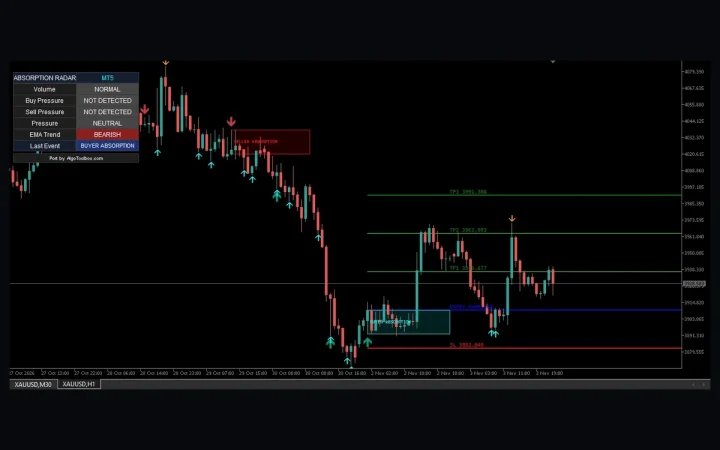
Absorption Radar MT5 Port maps volume-spike wick rejections, range sweeps and ATR reference levels on XAUUSD H1 and M30 without executing trades.
43 downloads
Free or commercial, third-party or our own build: every tool is installed and tested in MetaTrader 5 before we publish, with the test bench, every input explained and the known limitations listed up front.
Our build
Absorption Radar MT5 Port maps volume-spike wick rejections, range sweeps and ATR reference levels on XAUUSD H1 and M30 without executing trades.
Our build
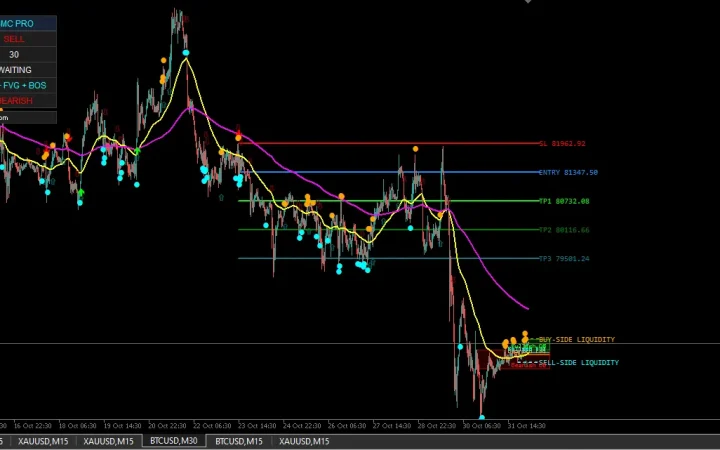
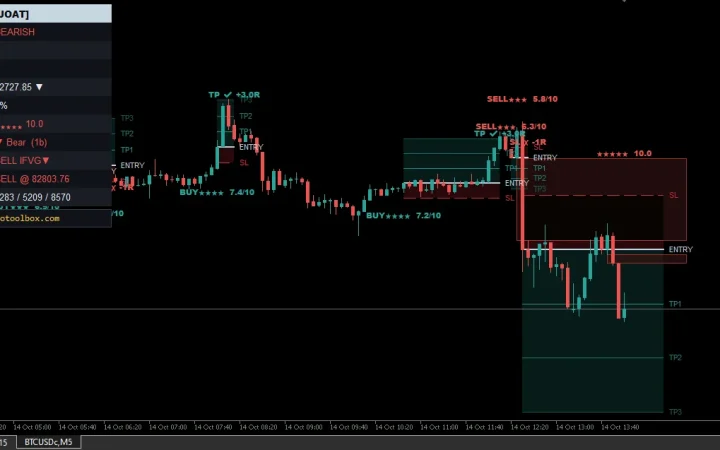
Liquidity Hunter MT5 Port maps sweeps, structure and reference risk levels. BTCUSD captures show the interface, not profitability or verified Pine parity.
Test report ★ 3.0
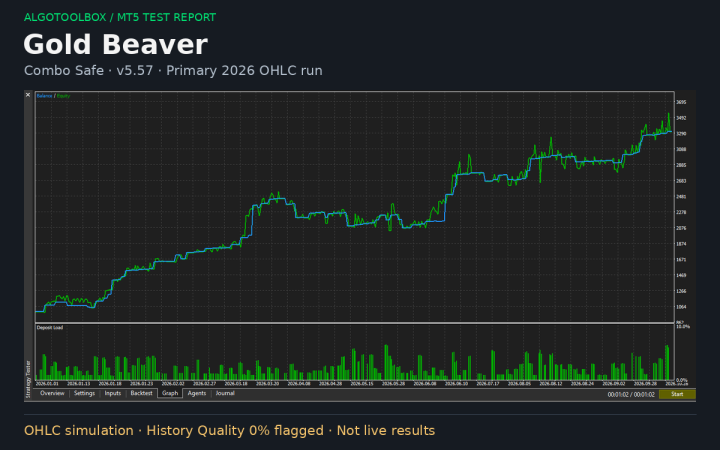
Gold Beaver MT5 review: profitable Combo Safe OHLC runs, but history warnings, overlapping periods and stacked exposure limit confidence in the results.
Test report ★ 2.0
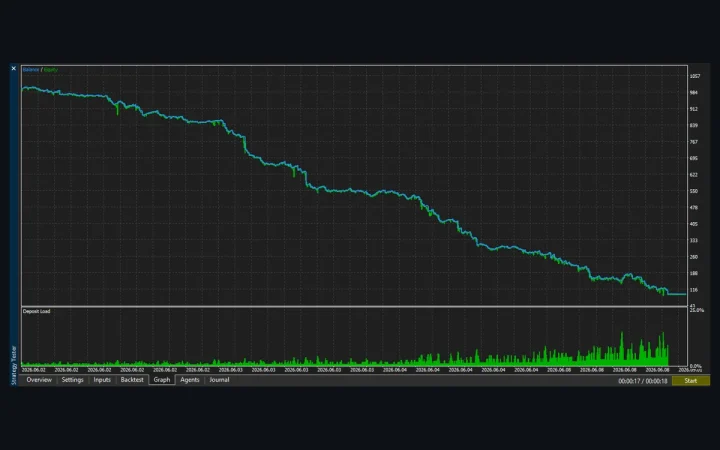
Scalping Robot Pro MT5 review: five backtests on XAUUSD M1, three windows, untouched defaults. Every run lost about 90% in days, and…
Test report ★ 3.0
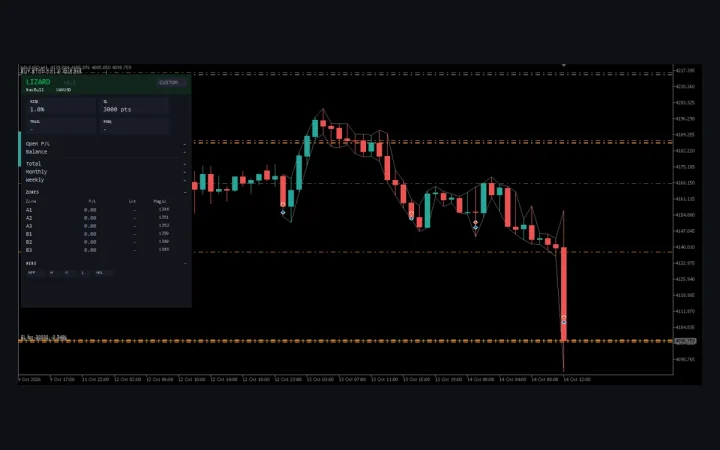
Lizard v2.1 backtested on XAUUSD H1 with three stop presets: profitable in every run, but nearly every win came from a stop…
Test report ★ 3.5
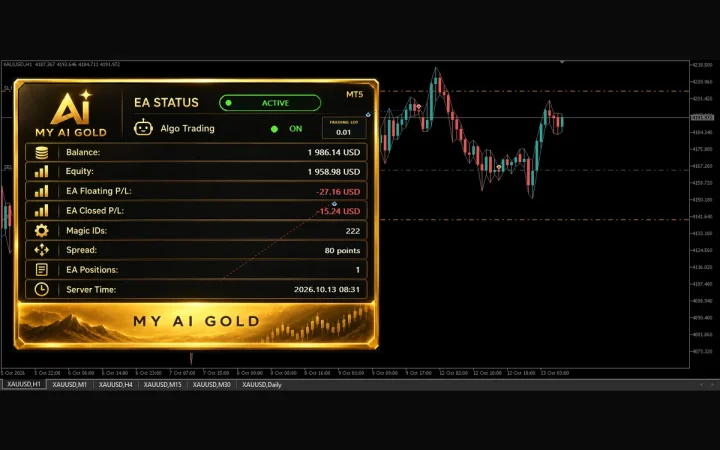
My AI Gold v1.82 backtested on XAUUSD H1 with three developer sets: steady on Conservative, but $40 stops vs $25 targets and…
Test report ★ 3.5
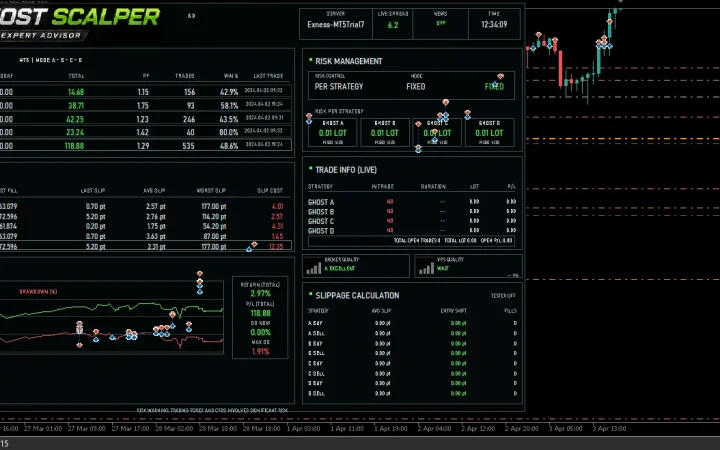
Ghost Scalper MT5 v5.0 backtested on XAUUSD H1 for 34 months: PF 1.63, 14.93% drawdown, no martingale, but a nine-month flat stretch.
Our build
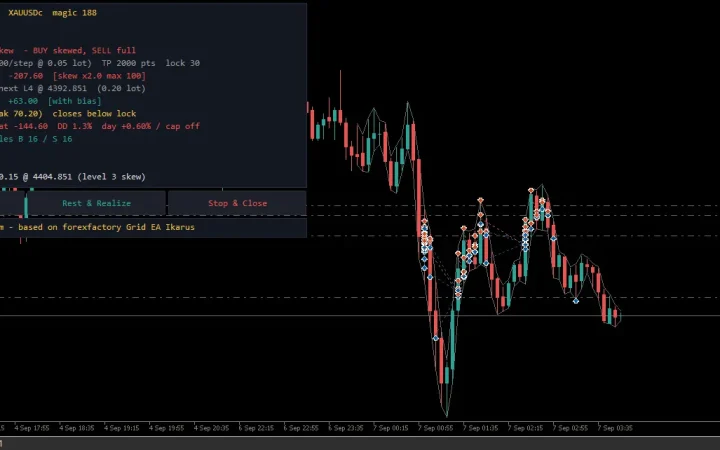
Icarus Grid Bias MT5 has one XAUUSDc M5 cent-account test with 50.81% relative equity drawdown. Review the full settings and limitations.
Our build
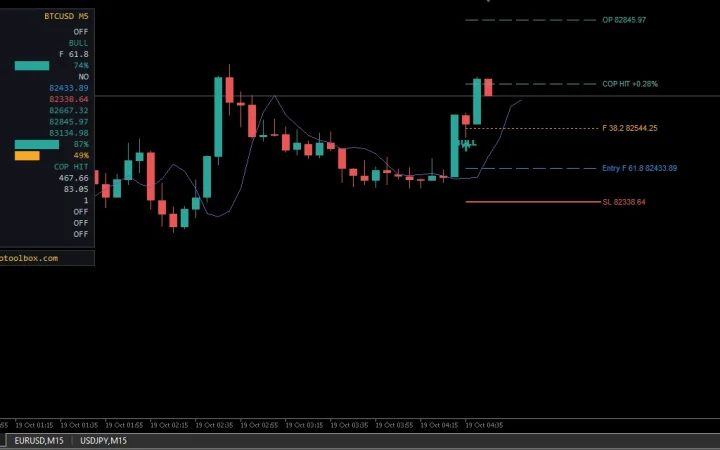
DiNapoli Levels MT5 explained: ABC swings, Fibonacci entry references, confluence, and COP/OP/XOP objectives. Read the settings and chart guide.
Our build
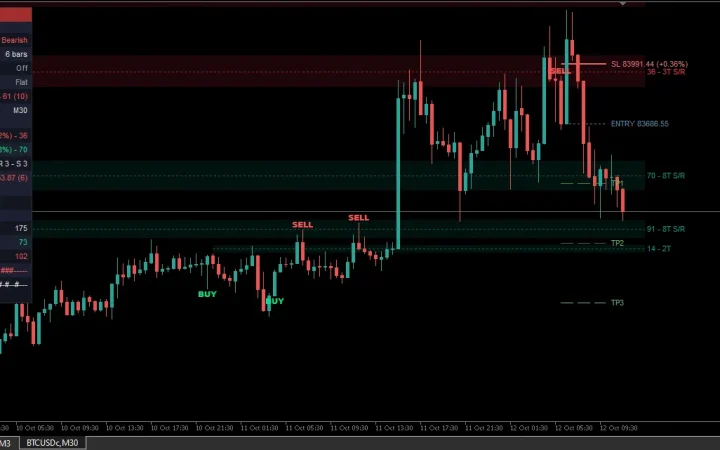
Stochastic Range Regime MT5 explained: smoothed %K, trend SMA, confirmation filters, and virtual ATR levels. Read the settings and chart guide
Our build
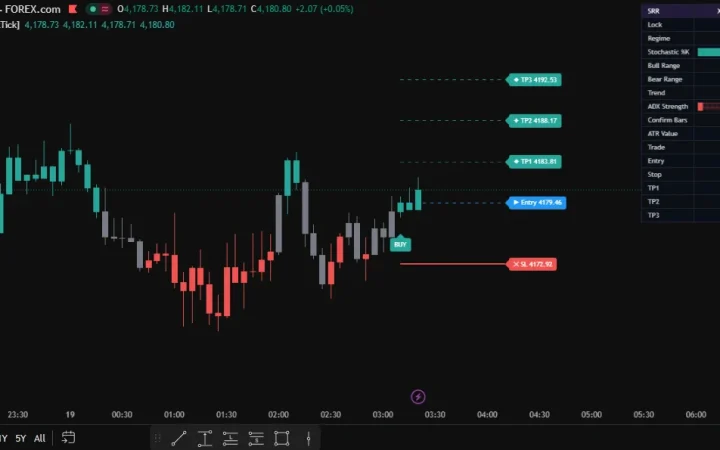
FVG Sniper MT5 Indicator explained: graded gaps, IFVG signals, HTF filtering, inputs, and virtual trade limits. Read the settings guide.
Our build
Reaction Level Matrix MT5 Indicator explained: level scoring, rejection signals, inputs, and virtual trade limits. Read the settings guide.
About AlgoToolbox
AlgoToolbox publishes test results for MetaTrader 5 indicators and Expert Advisors. Some tools are made by other developers, free or commercial; others we coded ourselves. Every page is written by one MQL5 developer, Eko Martha Kusumah, after the tool has been installed and run in MetaTrader 5, and good and bad results are published the same way.
Test reports cover tools by other developers. Commercial products are tested only from their free demo version in the MT5 Strategy Tester; we never host, sell or redistribute them, and every report links to the developer’s official page.
Our builds are MQL5 ports of published scripts and our own original tools. Ports credit the original author and follow the original licence.
Each page records the test bench: platform build, account type, symbol, timeframe, test period and tick mode, and for Expert Advisors the deposit, spread, commission and the resulting drawdown. Every input is explained, and the known limitations are listed before the download or product link, not hidden at the end. The full method is on How we test.
Test reports can carry a score out of 5, averaged from five criteria: results, robustness, risk control, claims versus results, and usability. We do not score our own builds, because a site cannot fairly rate its own tool. There are no paid reviews or sponsored rankings; affiliate links are labelled and explained in the affiliate disclosure.
A backtest describes the past and is not a promise of profit, and trading leveraged products carries a high risk of loss. Run any tool on a demo account first and read the risk disclaimer. Our builds are ready-to-use MT5 files under the licence terms: in MetaTrader 5 open File, then Open Data Folder, copy the file into MQL5/Indicators or MQL5/Experts and refresh the Navigator.
Found a bug, a wrong setting or a missing credit? Use the contact page. Credit and licence corrections from original authors are handled first, and developers of tested tools can send factual corrections to a report.